
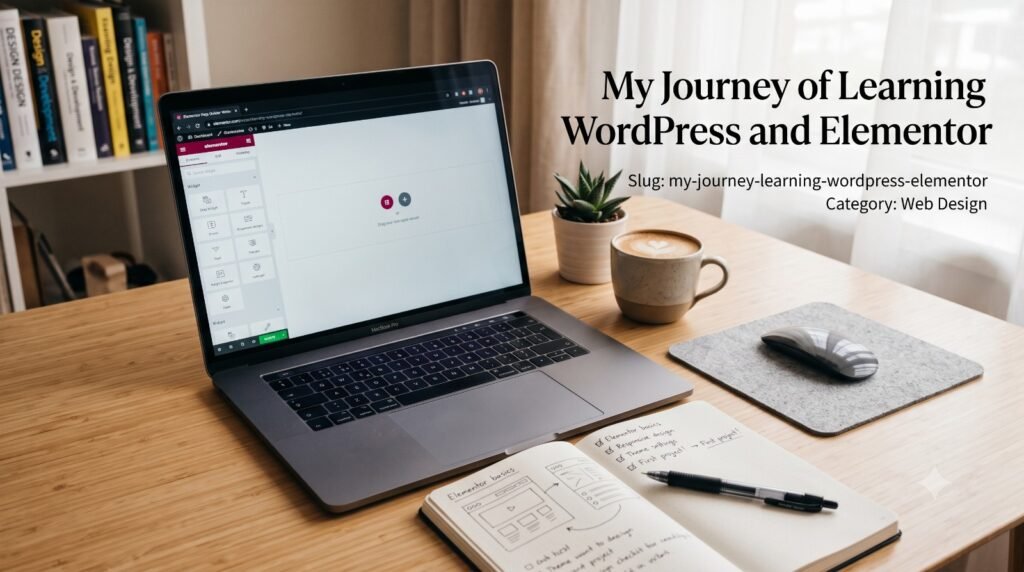
ourney Tags: WordPress, Elementor, learning journey, web design, beginner tips Meta description: A behind-the-scenes look at how I learned WordPress and Elementor from scratch — the mistakes, the breakthroughs, and what I’d tell someone just starting out.
I still remember opening WordPress for the very first time and staring at the dashboard, completely unsure where to even begin. Pages, Posts, Themes, Plugins, Widgets it all looked like a control panel for something far bigger than anything I was ready to build.
This site, glowwithtara.in, is the result of pushing through that overwhelm one section at a time. Here’s what that actually looked like.
Starting with more confusion than confidence
My first attempts were rough. I’d drag an Elementor widget onto the page, and it would look nothing like what I pictured spacing would be off, colours wouldn’t match, mobile view would break completely. I deleted and rebuilt the same section more times than I’d like to admit.
But somewhere in that repetition, patterns started to click. I began to understand why a container behaved a certain way, why padding on desktop needed to be different from padding on mobile, why a design that looked perfect on my laptop screen fell apart on my phone until I actually tested it there.
Elementor stopped feeling like a tool and started feeling like a language
The real shift happened when I stopped thinking of Elementor as “a page builder with a lot of buttons” and started thinking of it as a way to translate an idea in my head directly onto a page. Containers for structure. Widgets for content. Custom CSS for the details Elementor’s defaults couldn’t quite reach.
Once that translation started feeling natural, building got a lot faster and a lot more enjoyable.
The mistakes that taught me the most
A few, specifically:
Over-designing early on. My first drafts had too many colours, too many fonts, too many effects competing for attention. Learning to remove things turned out to be as important as learning to add them.
Ignoring mobile until the end. I used to design fully for desktop and only check mobile right before publishing which meant hours of last-minute fixing. Now I check both from the very first section.
Not planning the structure first. Jumping straight into Elementor without sketching the layout led to a lot of rebuilding. A rough plan even just a list of sections saves so much backtracking.
What building this site taught me about myself
Beyond the technical skills, this process taught me that I actually enjoy the problem-solving part of design as much as the visual part figuring out why a layout isn’t working, testing a fix, seeing it click into place. That’s not something I expected to enjoy as much as I do.
It also taught me patience. Good design rarely happens on the first attempt. It happens on the fifth, or the fifteenth, once you’ve seen enough of what doesn’t work to recognise what does.
If you’re just starting out with WordPress and Elementor
Start small. Build one section really well before worrying about the whole page. Look closely at websites you admire and ask why they work, not just that they work. And don’t be discouraged when your first version looks nothing like what you imagined mine didn’t either. This site is proof that it comes together with enough practice.
I’m still learning, still refining, and still finding new things Elementor can do that I didn’t know about last month. That’s honestly my favourite part.
Want to see where that learning has led so far? Check out my projects or get in touch if you’d like to work together.